
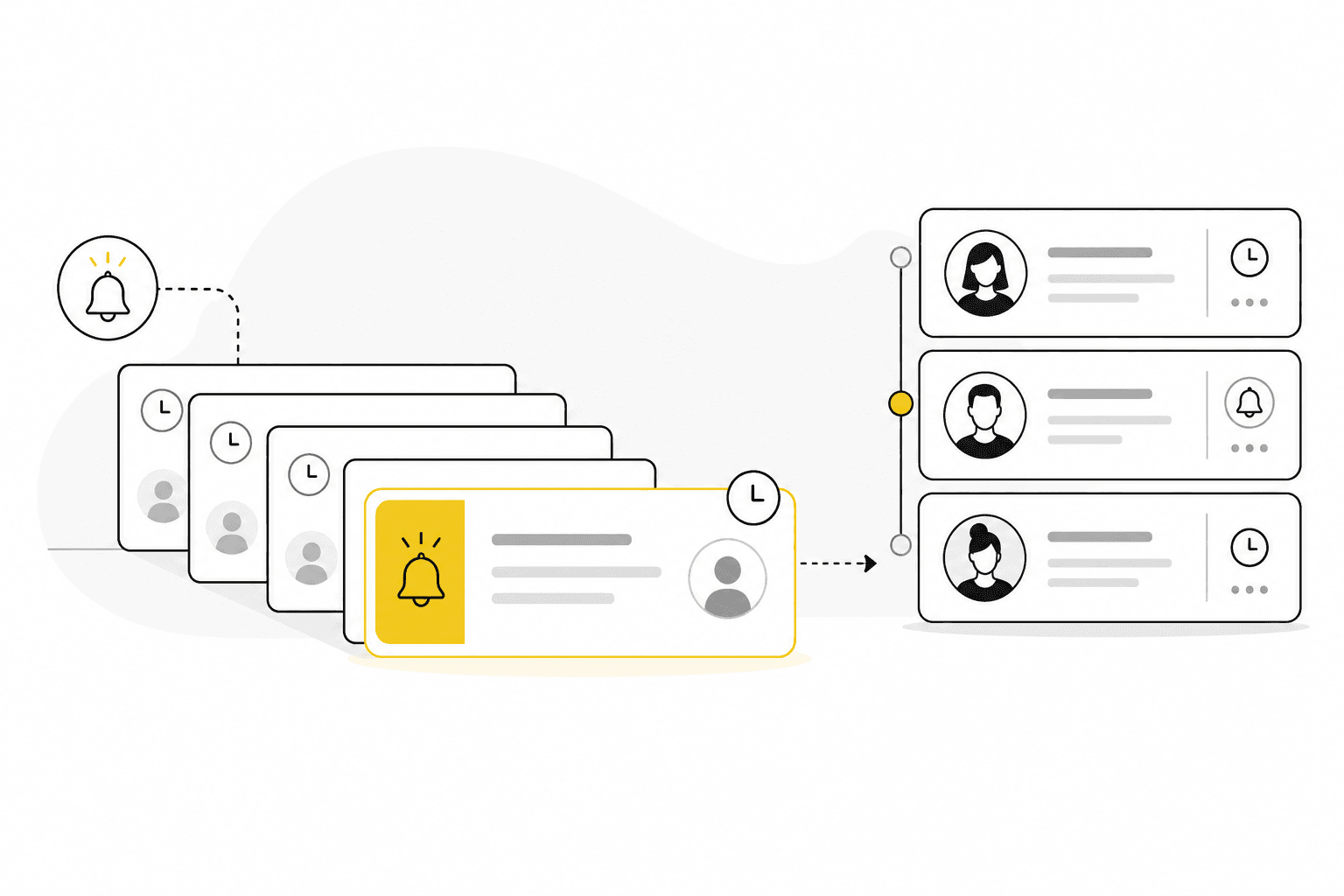
How to build a customer follow-up system that does not rely on memory
Follow-up fails when it depends on individual memory. Here is a lightweight system service teams can run inside their CRM.
“I meant to call them back.” Every service business has lost momentum on a good conversation because follow-up was informal. A **customer follow-up system** turns good intentions into a repeatable process your team can see and improve.
Why follow-up breaks down
Follow-up usually fails for predictable reasons:
- No clear owner for the next step
- Notes trapped in personal inboxes
- Pipeline stages that do not require a next action date
- Busy delivery weeks that push sales conversations aside
- No shared view of overdue conversations
The fix is not more hustle. It is better structure inside the tools you already use.
Example: the stalled proposal
A consultant sends a proposal on Tuesday and intends to check in Friday. Delivery work floods the week, the reminder lives in a personal notebook, and the prospect accepts a competitor’s call on Monday. A follow-up system would have logged the send, assigned an owner, and surfaced an overdue next step before the silence stretched seven days.
Define follow-up types
Start by naming the follow-ups that matter in your business:
- **Prospect follow-up** after discovery or proposal
- **Active deal follow-up** to move pipeline stages
- **Client check-in** on active engagements
- **Renewal or expansion** conversations before contract end
- **Re-engagement** for paused opportunities
Each type should have a simple rule: who owns it, what gets logged, and when the next touch is due.
Build the habit in CRM
A practical weekly rhythm:
1. Review open deals with no upcoming follow-up date 2. Log calls and meetings on the company or contact record 3. Set the next follow-up date before closing the CRM tab 4. Scan overdue follow-ups as a team for ten minutes every Monday 5. Link follow-up notes to projects when delivery context matters
When follow-up dates live beside pipeline value, prioritization becomes obvious.
Metrics that stay useful
Avoid vanity metrics. Track:
- Open deals with scheduled next steps
- Average age of deals in each stage
- Follow-ups completed vs overdue each week
- Conversion from qualified stage to won
Small teams benefit more from consistency than from complex scoring models.
Software capabilities to prioritize
Look for CRM that supports:
- Follow-up dates on deals and accounts
- Activity history on customer records
- Filters for overdue conversations
- Shared visibility for managers without micromanagement
Common mistakes
- Relying on calendar reminders detached from customer records
- Logging activity without setting the next action date
- Treating follow-up as sales-only while delivery owns client relationships
- Ignoring time spent on accounts when prioritizing callbacks
- Building complex automation before the team logs basic notes reliably
Connect follow-up to projects and time
Client follow-up during delivery matters as much as prospecting. When a project hits a risk milestone, the account owner should see it beside the next follow-up date — not in a separate chat thread. Time entries can also signal when an account needs a scope conversation before work drifts further.
Put it into practice
Pick one pipeline stage this week and require a follow-up date before a deal can sit there. After a month, expand the rule.
Kustmr is built for service teams that treat customer follow-up as part of the same workspace as sales, projects and time tracking — not a bolt-on reminder app. When you want a calm CRM designed for follow-through, start a Kustmr trial or review pricing.
Start your 14-day Kustmr trial
Explore one workspace for customers, sales, projects and time. Kustmr is designed for service teams that want customer follow-up, delivery and time tracking in the same place.