
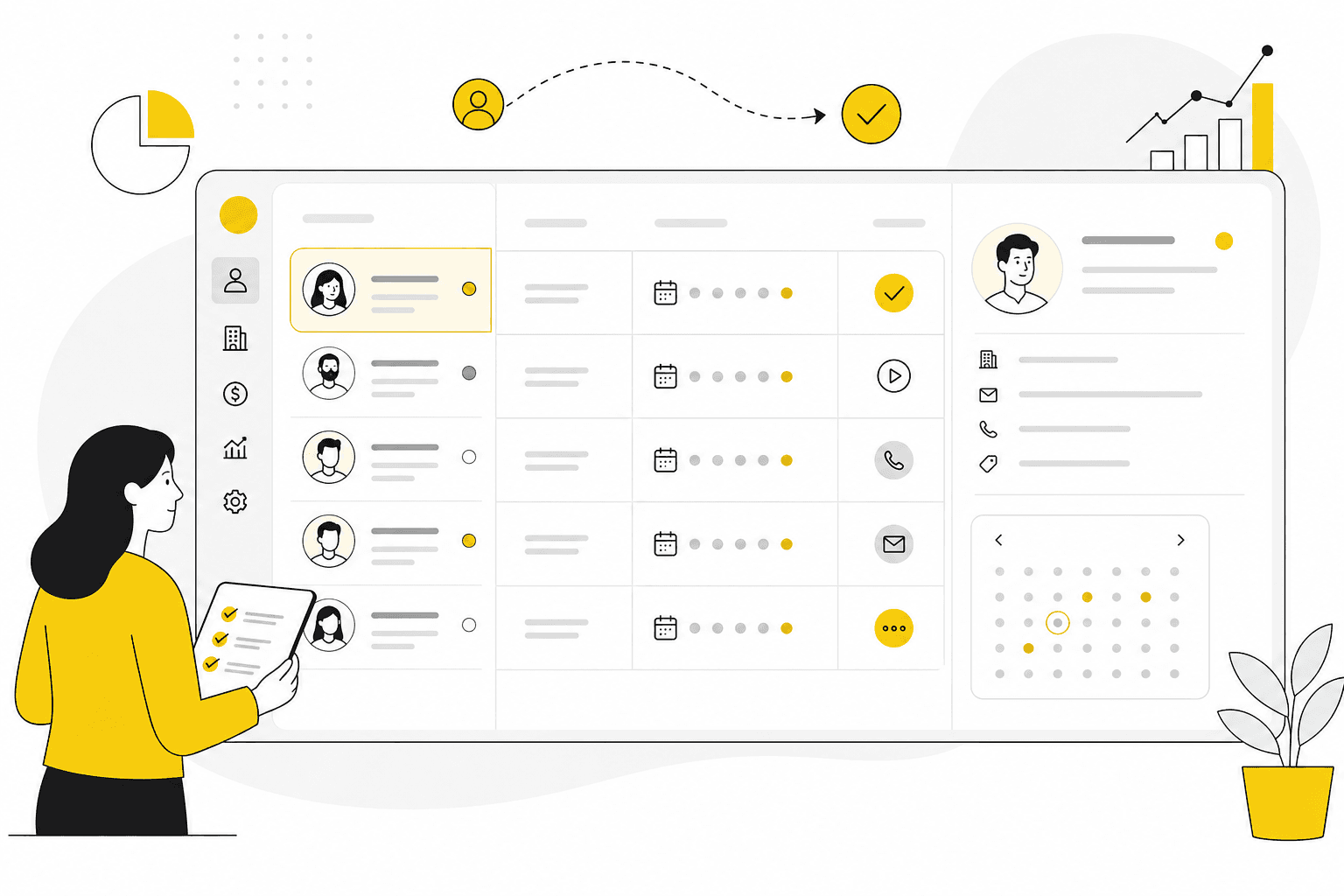
Customer follow-up CRM: how to make sure every lead and client gets handled
A follow-up CRM gives teams shared visibility on next steps — for prospects and active clients alike.
Leads go cold. Clients feel ignored. Renewals surprise you. These outcomes are rarely intentional — they happen when follow-up is private, informal and easy to postpone. A **customer follow-up CRM** makes next steps visible, owned and tied to the customer record.
Follow-up is a team sport
Even small teams share accounts. Without shared follow-up:
- Vacation coverage fails because context is in one inbox
- Handoffs between sales and delivery drop conversations
- Managers discover stalled deals too late
- Clients receive duplicate or contradictory messages
CRM should show what was promised, what happened, and what comes next.
Example: the renewal that surprised everyone
An account manager learns a retainer ends in thirty days — from the client, not from CRM. Delivery was busy, follow-up lived in Slack, and nobody set a renewal task beside the active project. A follow-up CRM would have surfaced the contract timing next to account activity, project status and recent time logged.
Core capabilities
Look for:
- Follow-up dates on deals and accounts
- Activity logging on companies and contacts
- Filters for overdue next steps
- Pipeline ownership per opportunity
- Optional linkage to projects for active clients
Advanced automation is optional. Visibility and ownership are essential.
Simple rules that improve follow-through
- No open deal without a next follow-up date
- Log outcomes before changing pipeline stage
- Review overdue follow-ups weekly as a team
- Tie client check-ins to project milestones when relevant
Consistency beats clever sequences for most service businesses.
Follow-up across the client lifecycle
Follow-up matters before and after the sale:
- **Prospects** — nurture timing after demos or proposals
- **Active clients** — check-ins during delivery
- **Renewals** — early conversations before contract end
- **Expansion** — follow-up when delivery surfaces new needs
One CRM workspace prevents these moments from living in separate tools.
What to look for
- Can you see overdue follow-ups in one list?
- Does activity history stay on the company record?
- Can delivery tasks and sales follow-ups reference the same account?
- Is time visible when a follow-up is about scope or budget?
- Will the whole team actually use it daily without heavy training?
Common mistakes
- Buying a reminder app instead of CRM with follow-up built in
- Logging emails but never scheduling the next step
- Letting owners go on vacation without reassigning follow-ups in CRM
- Separating “sales follow-up” from “client success” on different records
- Ignoring projects when deciding which accounts need attention
Where Kustmr helps
Kustmr supports customer follow-up alongside sales, projects and time tracking — designed for service teams that want one calm workspace instead of a patchwork of reminders.
See pricing or start a 14-day trial to test follow-up workflows with your real pipeline.
Start your 14-day Kustmr trial
Explore one workspace for customers, sales, projects and time. Kustmr is designed for service teams that want customer follow-up, delivery and time tracking in the same place.