
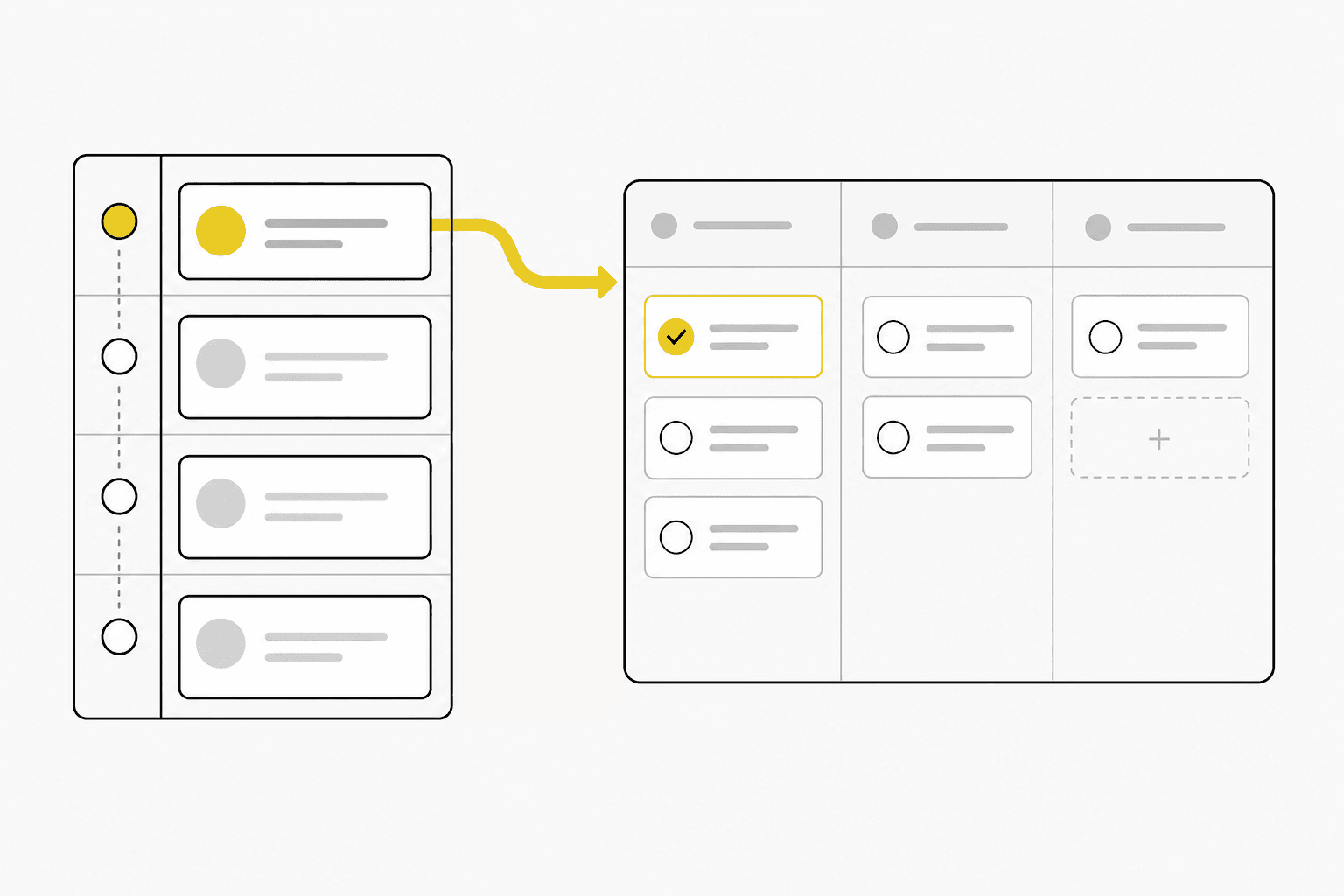
CRM with project management: why sales and delivery should live together
Splitting CRM and project management creates handoff chaos. Here is why connected systems work better for service teams.
Many teams buy a CRM for sales and a separate project tool for delivery. On paper, each team gets specialized software. In practice, customer context gets copied, scope is misinterpreted, and nobody trusts a single source of truth.
**CRM with project management** addresses that gap by keeping accounts, deals and delivery work in one workspace.
The handoff problem
Typical symptoms when sales and delivery are disconnected:
- Delivery discovers new commitments only after kickoff
- Project managers search email for what was sold
- Account managers cannot see project health without asking delivery
- Renewal conversations start without visibility into delivery history
These issues are common in agencies, consultancies and technical service firms where every sale becomes an engagement.
Example: the missing scope field
A design agency wins a branding package. Sales marks the deal won in CRM, but the detailed deliverable list sits in a proposal PDF. Production starts with a generic project title and three tasks. Two revision rounds later, the team has exceeded hours nobody scoped in the project tool. Unified CRM and project management would have carried scope notes and customer contacts into delivery on day one.
Why a unified model helps
When CRM and projects share data:
- Won deals can become projects with customer fields intact
- Tasks and timelines reference the same account record
- Sales sees delivery status before promising dates on upsells
- Leadership reports across pipeline and active work without exports
The goal is not to turn salespeople into project managers. It is to remove friction at the boundary between winning work and doing work.
What to map before you choose software
Document how work flows today:
1. Lead or referral enters the pipeline 2. Discovery and proposal stages 3. Deal won — what information delivery needs on day one 4. Project setup — tasks, owners, milestones 5. Ongoing client communication and change requests 6. Close-out, renewal or expansion
If step four requires retyping client details, your stack is leaking time.
Capabilities worth prioritizing
Look for CRM that supports:
- Deal stages with values, owners and close dates
- Project records linked to companies and contacts
- Task assignment with due dates inside projects
- Status views for active engagements
- Time entries tied to projects for reporting
Avoid tools that only offer lightweight “deals” without real delivery structure if projects are core to your business model.
Common mistakes to avoid
- Treating project tools as “delivery only” and CRM as “sales only”
- Creating projects without linking them to the originating deal
- Skipping follow-up dates once a deal is won
- Tracking time in a separate app that finance reconciles monthly
- Building elaborate integrations before fixing the handoff checklist
How follow-up and time tracking fit in
Project management without follow-up means client conversations still fall through cracks. Without time tracking, you cannot see whether similar projects are priced correctly next quarter. The strongest setups connect all three: pipeline stages with next steps, projects with tasks, and hours on those projects.
Practical rollout tips
- Standardize one project template for your most common engagement type
- Define which deal fields must be complete before handoff
- Run a short internal review when deals are marked won
- Train the team to log client updates in the shared workspace
Small process changes compound when the underlying system supports them.
How Kustmr approaches this
Kustmr connects sales pipeline and project delivery in one product built for service teams. Won deals can feed project work, tasks stay visible to the team, and time tracking links back to customer context — so sales and delivery are not guessing what the other side knows.
Explore pricing or start a trial when you want to test a single workspace for customers, sales, projects and time.
Start your 14-day Kustmr trial
Explore one workspace for customers, sales, projects and time. Kustmr is designed for service teams that want customer follow-up, delivery and time tracking in the same place.